Anlagenformular
Felder wählen, die beim Anlegen oder Bearbeiten einer Anlage erscheinen.
Anlagenformular (Setup) wählt, welche Standardspalten erscheinen und welche erforderlich sind, wenn jemand eine Anlage anlegt oder bearbeitet.
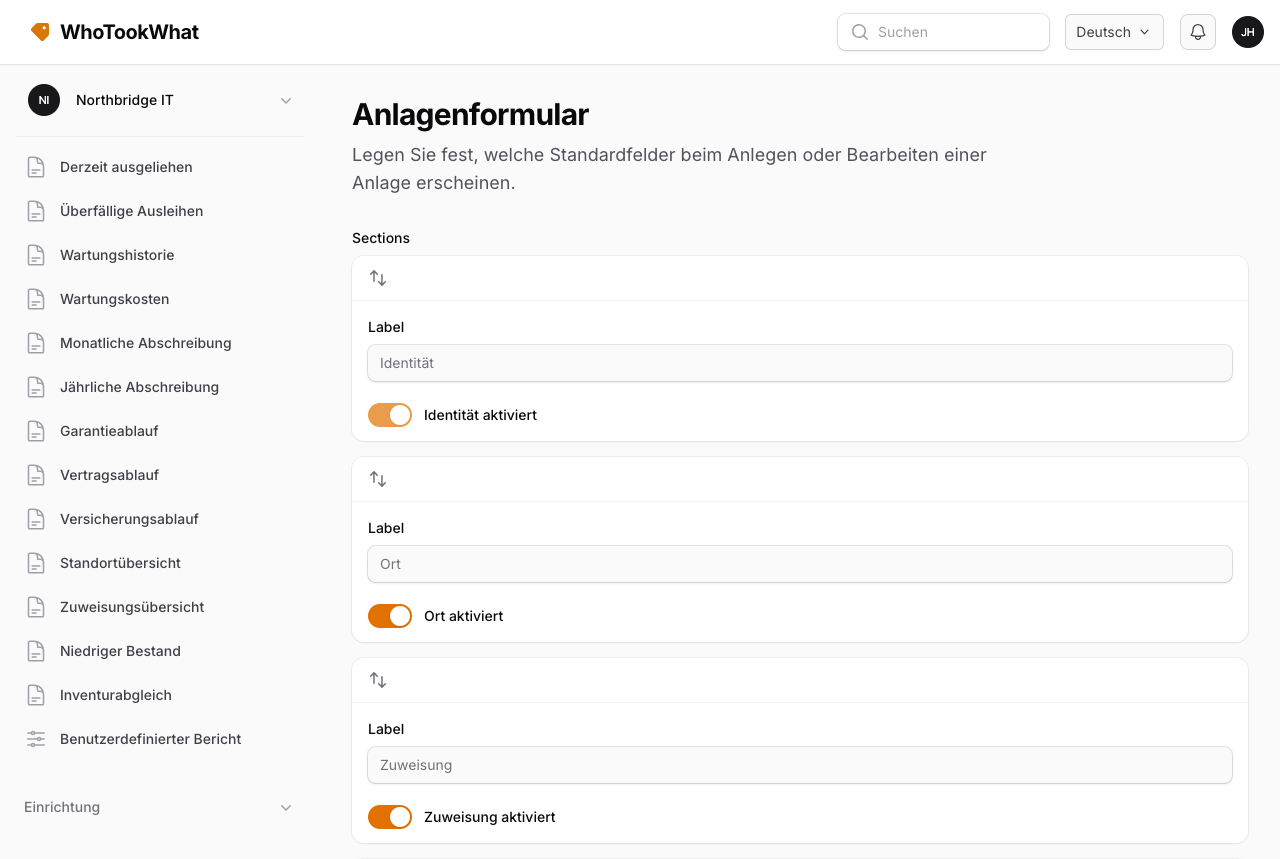
Beispiele optionaler Spalten: Seriennummer, Marke, Modell, Kaufdatum und -kosten, Lieferant, Kunde, Fonds, Abschreibungsfelder.
Benutzerdefinierte Felder sind getrennt. Sie gelten organisationsweit und können auf eine Kategorie beschränkt werden. Sie erscheinen weiterhin an der Anlage, wenn sie zutreffen, auch wenn Sie hier eine Standardspalte ausblenden.
Nutzen Sie diese Seite, um das Formular für Staff kurz zu halten, die nur Kennzeichen, Beschreibung, Standort und Person brauchen.