Organisationen
Organisationen anlegen, wechseln und im Team teilen.
Eine Organisation ist ein Register, ein Satz Mitglieder und nach dem Test ein Tarif.
Anlegen
Nach der Registrierung legen Sie eine Organisation an (Name, optionales Logo). Sie werden Owner. Weitere legen Sie im Organisationsmenü an (Organisation erstellen).
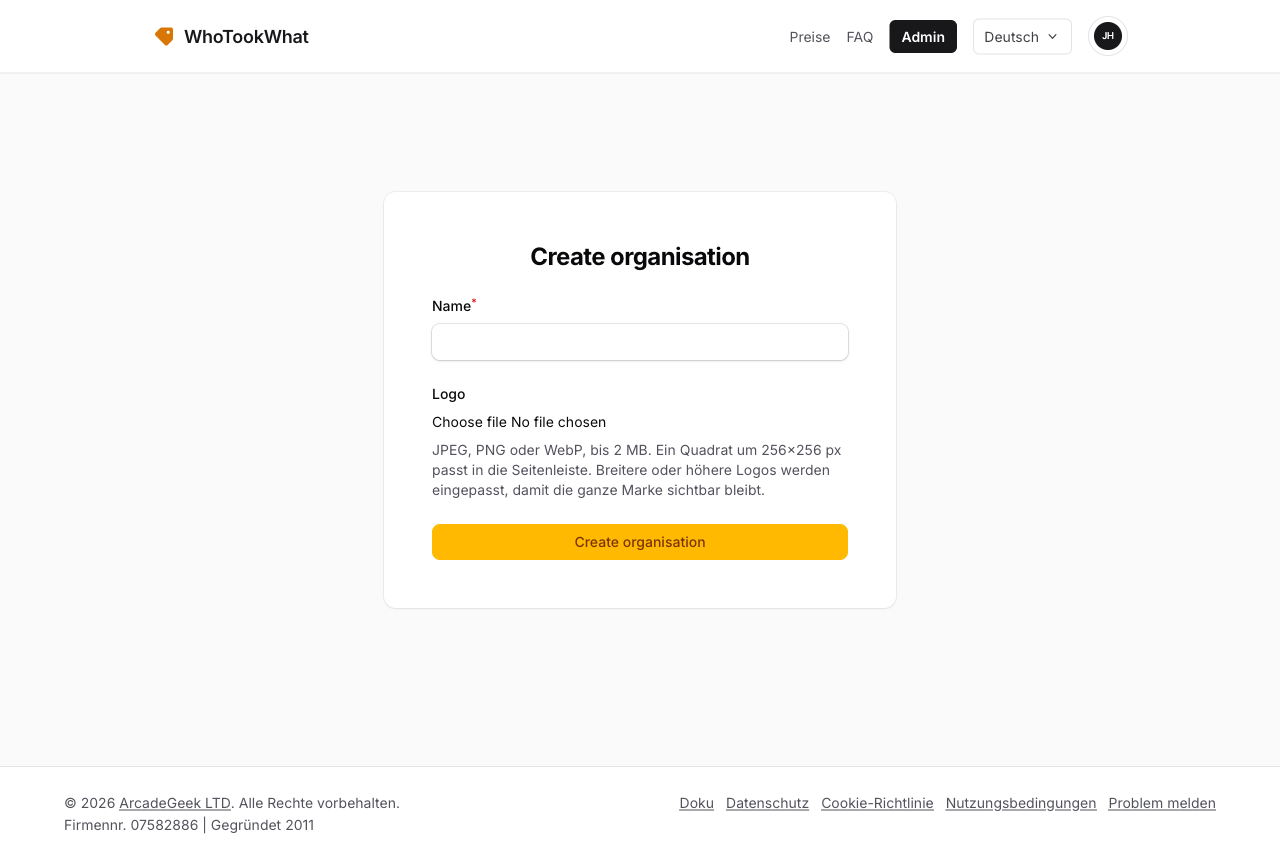
Alle Organisationen, die Sie während des Tests anlegen, teilen dieselbe 30-Tage-Uhr. Nach dem Test ist jede Organisation Nur-Lesen, bis diese Organisation ein Abo hat.
Wechseln
Gehören Sie zu mehr als einer Organisation, nutzen Sie den Organisationswechsler in der Admin-Kopfzeile. Die aktuelle Organisation steht in der URL als Slug (/admin/{slug}/...).
Haben Sie keine Standardorganisation, werden Sie nach der Anmeldung aufgefordert, eine zu wählen.
Andere einladen
Owner und Manager laden Mitglieder ein. Sie können auch in Organisationen eingeladen werden, deren Owner Sie nicht sind. Diese nutzen nicht Ihre Testuhr; sie nutzen den Tarif dieser Organisation.
Löschen
Owner können Organisation löschen unter Organisationseinstellungen. Sind noch andere Mitglieder da, entfernen Sie sie oder übertragen Sie zuerst die Inhaberschaft. Eine bezahlte Organisation bleibt bis zum Ende des aktuellen Abozeitraums, danach wird das Register entfernt.
Das Konto schließen ist etwas anderes — das ist Ihr Benutzer, nicht eine Organisation.