Organisations
Create, switch, and share Organisations across a team.
An Organisation is one register, one set of members, and one plan after the trial.
Create
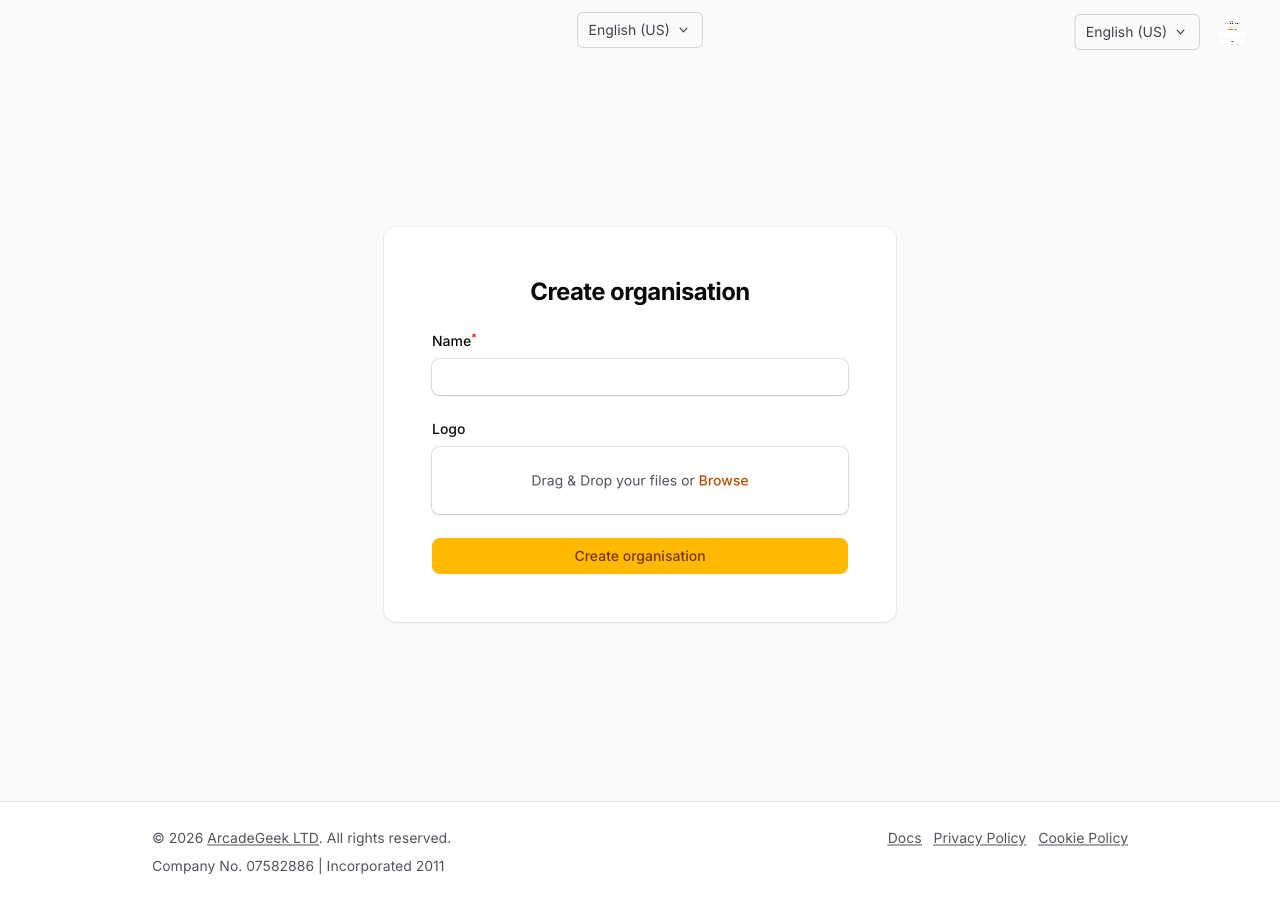
After you register, create an Organisation (name, optional logo). You become its Owner. You can create more from the Organisation menu (Create Organisation).
All Organisations you create during the trial share the same 30-day clock. After the trial, each Organisation is view-only until that Organisation is subscribed.
Switch
If you belong to more than one Organisation, use the Organisation switcher in the admin header. The current Organisation is in the URL as its slug (/admin/{slug}/...).
If you have no default Organisation, you are asked to choose one after sign-in.
Invite others
Owners and managers invite members. You can also be invited into Organisations you do not own. Those do not use your trial clock; they use that Organisation’s plan.
Delete
Owners can Delete Organisation on Organisation settings. If other members are still here, remove them or transfer ownership first. A paid Organisation stays until the current subscription period ends, then the register is removed.
Closing your account is separate — that is your user, not one Organisation.