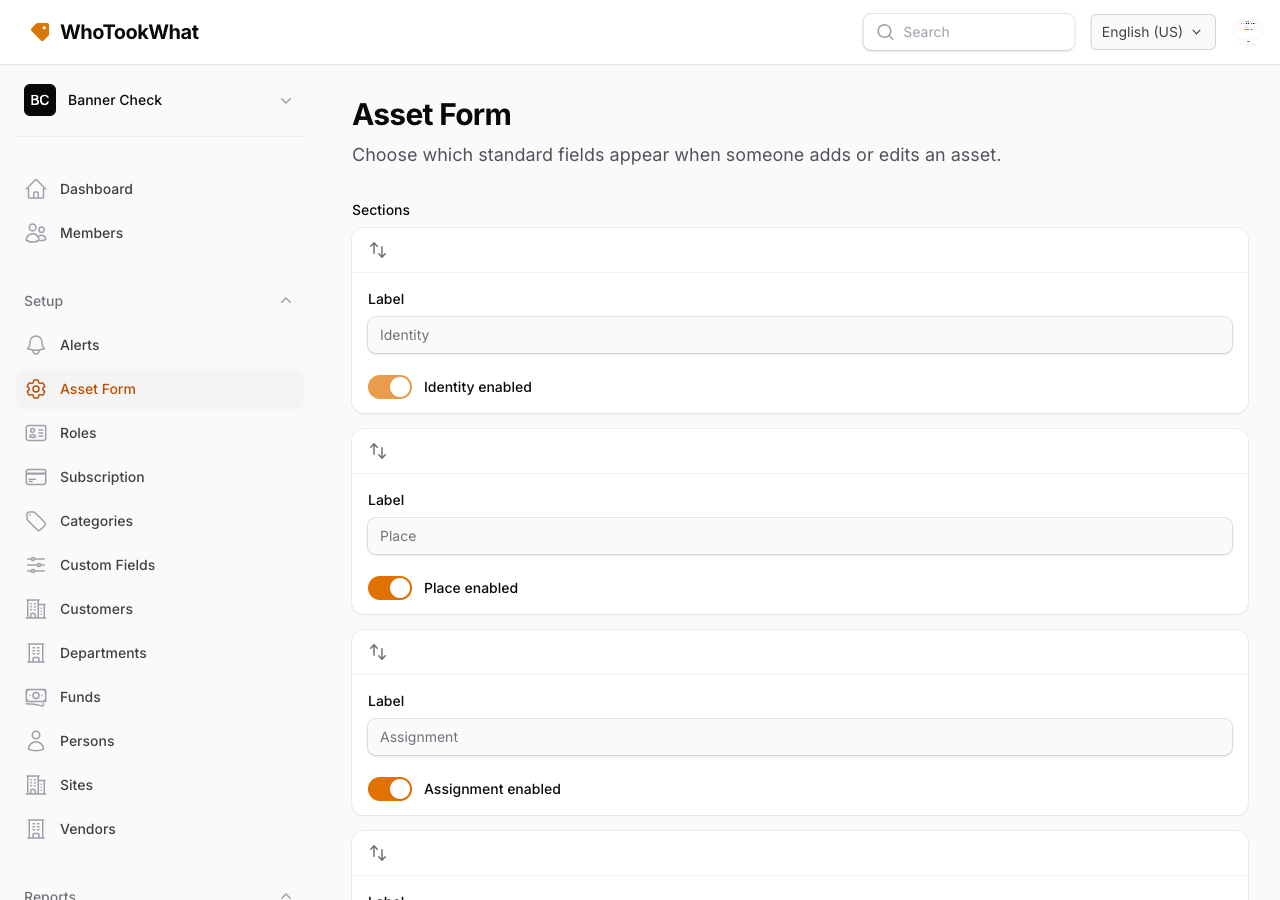
Asset form
Choose which fields appear when you add or edit an asset.
Asset form (Setup) chooses which standard columns appear, and which are required, when someone adds or edits an asset.
Examples of optional columns: serial number, brand, model, purchase date and cost, vendor, customer, fund, depreciation fields.
Custom fields are separate. They are Organisation-wide and can be limited to a category. They still show on the asset when they apply, even if you hide a standard column here.
Use this page to keep the form short for staff who only need tag, description, site, and person.