Formulario de activo
Elija qué campos aparecen al añadir o editar un activo.
Formulario de activo (Configuración) elige qué columnas estándar aparecen, y cuáles son obligatorias, cuando alguien añade o edita un activo.
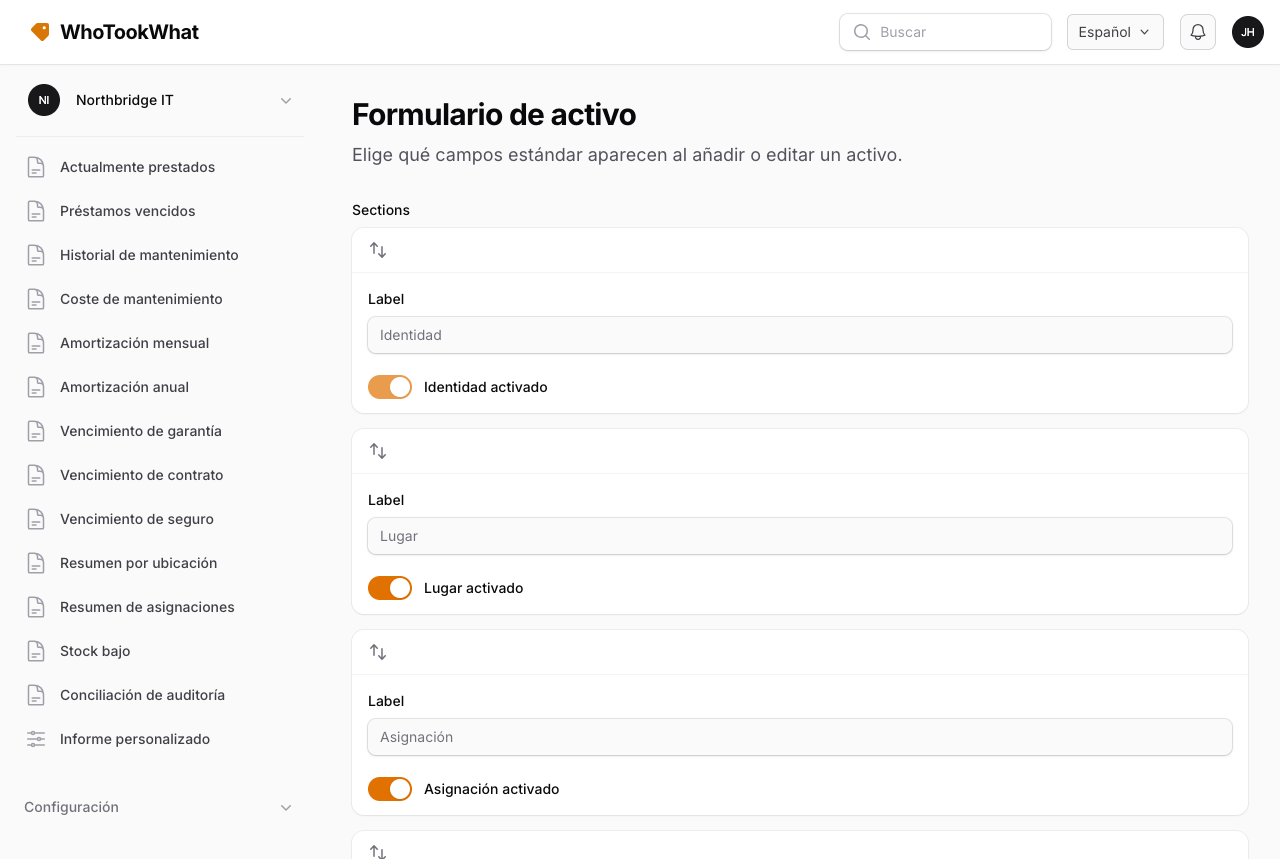
Ejemplos de columnas opcionales: número de serie, marca, modelo, fecha y coste de compra, proveedor, cliente, fondo, campos de amortización.
Los campos personalizados son aparte. Son de toda la Organisation y se pueden limitar a una categoría. Siguen mostrándose en el activo cuando aplican, aunque oculte una columna estándar aquí.
Use esta página para dejar el formulario corto para el personal que solo necesita etiqueta, descripción, sitio y persona.