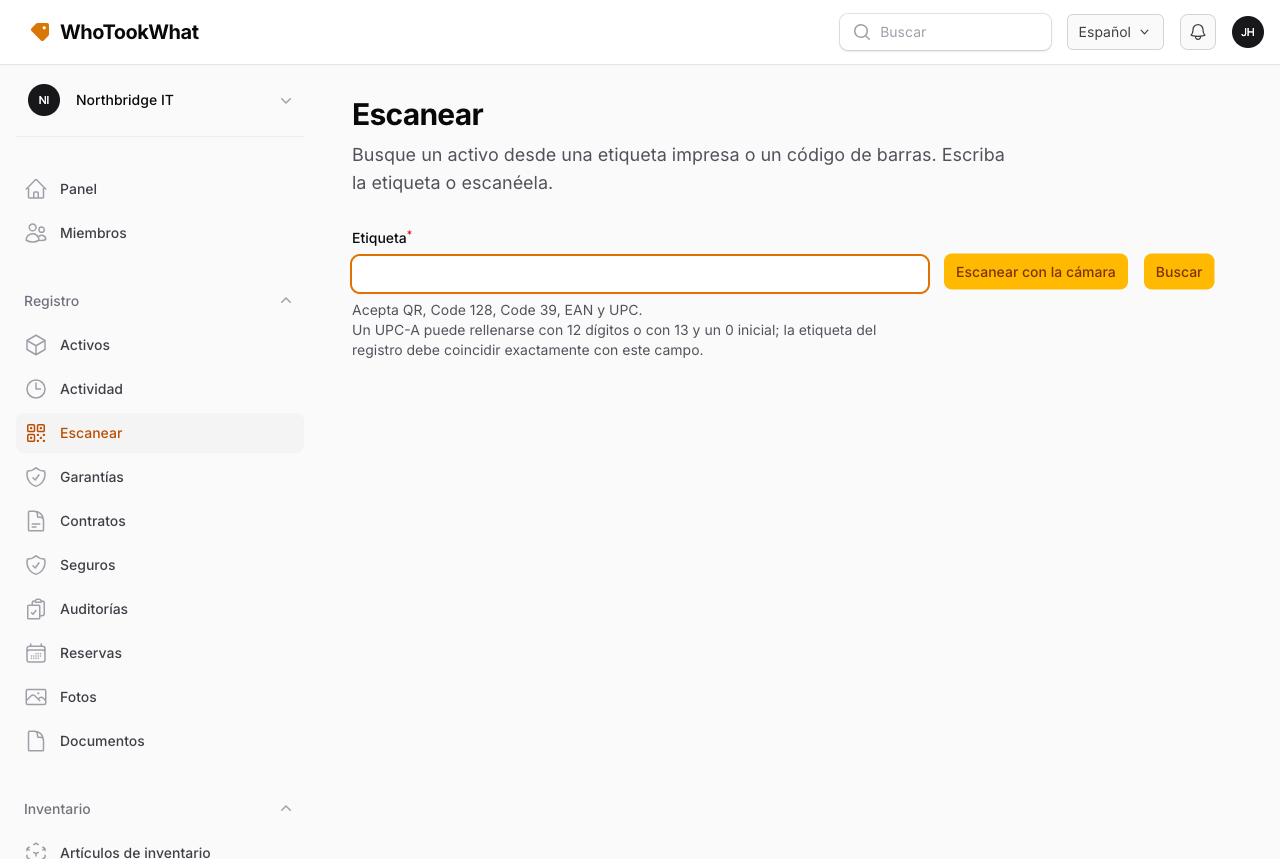
Escanear
Busque un activo desde una etiqueta impresa o un código de barras.
Escanear busca un activo a partir de una etiqueta impresa o un código de barras.
Abra Escanear. Escriba la etiqueta, use un lector de cuña o elija Escanear con la cámara. La cámara lee QR, Code 128, Code 39, EAN y UPC y pone la etiqueta en el campo. Un UPC-A puede aparecer como 12 dígitos o como 13 con un 0 inicial; la etiqueta del registro debe coincidir con ese valor. Buscar (o Enter) abre ese activo. Un fallo permanece en Escanear.
Imprima etiquetas desde el activo si su rol incluye Print labels. Ponga la misma etiqueta en el estante y en el registro.
La aplicación móvil también escanea con la cámara y abre el activo en un solo paso.