Membres et rôles
Invitez des personnes et choisissez ce qu’elles peuvent faire.
Les membres sont les personnes qui peuvent se connecter à cette Organisation. Ouvrez Membres depuis la barre latérale. Recherchez dans le tableau par nom ou e-mail, et triez par nom, e-mail ou rôle, pour trouver quelqu’un et utiliser Modifier, Supprimer ou Renvoyer l’invitation.
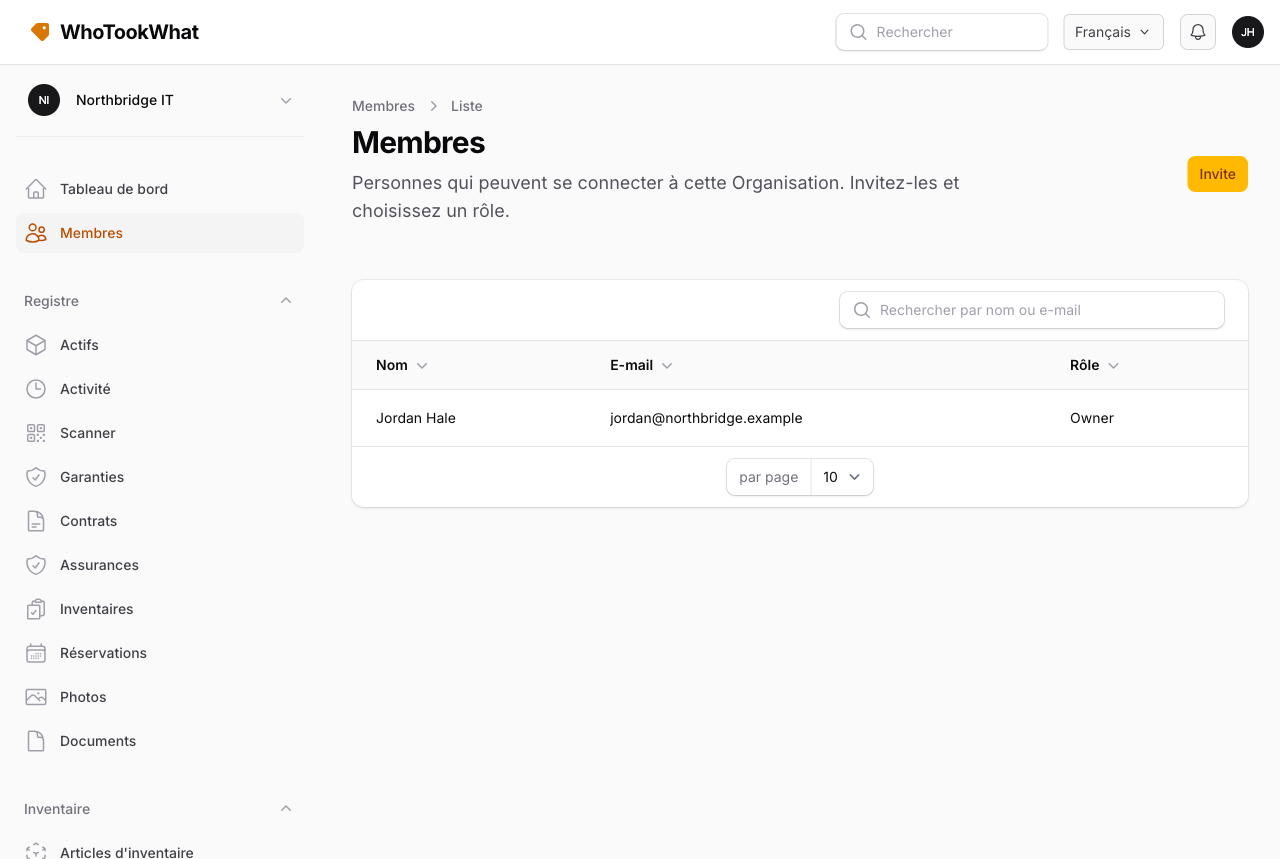
Inviter
Les Owners et Managers envoient une invitation par e-mail et rôle. La personne reçoit un lien. Si elle a déjà un compte WhoTookWhat, elle rejoint cette Organisation. Sinon, elle s’inscrit d’abord. Les Owners et Managers peuvent aussi inviter ou annuler une invitation en attente depuis l’application mobile. Le changement de rôle et le retrait d’un membre restent sur cette page.
Vous pouvez inviter n’importe quelle adresse vérifiée de ce compte, y compris une adresse supplémentaire ajoutée sur le Profil. Si l’adresse est déjà sur un compte mais non vérifiée, Membres vous demande de confirmer avant l’envoi : ils doivent être connectés à ce compte pour accepter, et l’acceptation marque l’adresse comme vérifiée. Une adresse qui appartient déjà à quelqu’un de cette Organisation ne peut pas être invitée à nouveau.
Les invitations en attente restent sur Membres jusqu’à ce qu’ils rejoignent ; vous pouvez les renvoyer ou les supprimer. Pour les personnes qui ont rejoint, Modifier change leur rôle et Supprimer les retire de cette Organisation (leur compte WhoTookWhat reste). Vous ne pouvez pas supprimer le dernier Owner ni changer le rôle d’un Owner ici — transférez la propriété sur Abonnement.
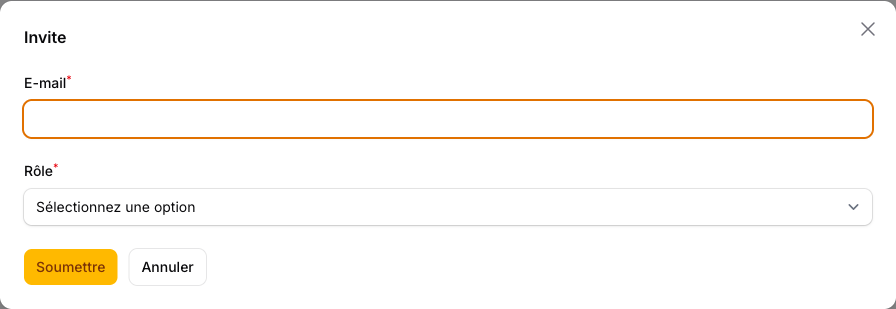
L’essai autorise deux personnes dans une Organisation. Les offres payantes ont des utilisateurs illimités.
Rôles intégrés
| Rôle | Ce qu’ils peuvent faire |
|---|---|
| Owner | Tout, y compris la facturation de cette Organisation |
| Manager | Tout dans le registre et la configuration, y compris les membres et les rôles |
| Staff | Travaille le registre : actifs, prêts, import, stock et audits. Ne peut pas supprimer des actifs ni gérer la configuration et les membres |
| Auditor | Consulte le registre, exporte et imprime. Pas de prêt ni de modification |
Rôles personnalisés
Les Owners et Managers ouvrent Rôles (Configuration) pour consulter les rôles intégrés (lecture seule) et ajouter un rôle personnalisé :
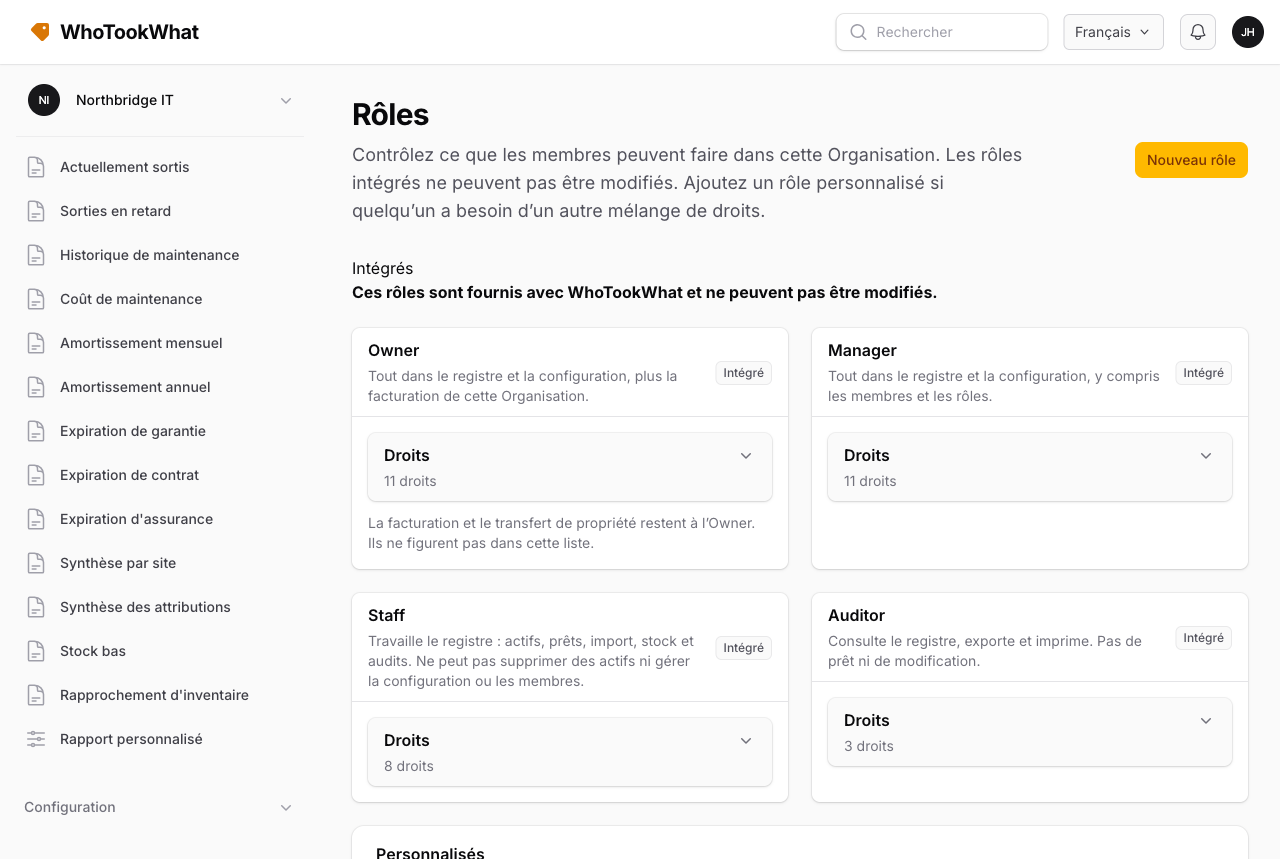
- Voir le registre
- Gérer les actifs
- Supprimer des actifs
- Prêter et rentrer
- Importer des actifs
- Export et rapports
- Imprimer les étiquettes
- Gérer la configuration
- Gérer les membres
- Gérer le stock
- Gérer les audits
Partir ou retirer
Un membre peut être retiré de l’Organisation. Cela ne ferme pas son compte WhoTookWhat. Le dernier Owner d’une Organisation qui a encore d’autres membres ne peut pas fermer son compte tant qu’il n’a pas transféré la propriété à un membre déjà présent, ou que ces membres n’ont pas été retirés. Voir Fermer le compte.