Accounts and sign-in
Email and password, social sign-in, authenticator 2FA, and passkeys.
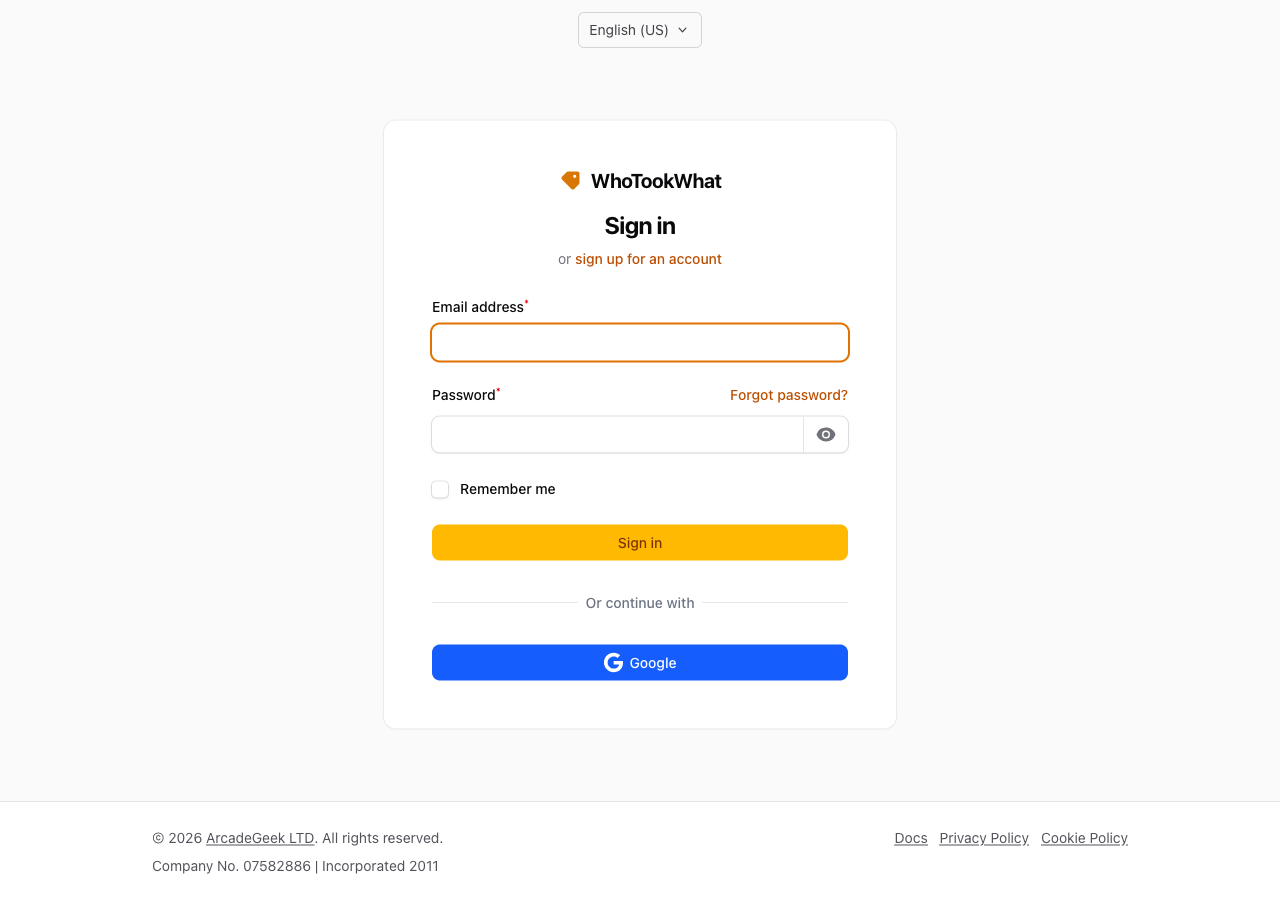
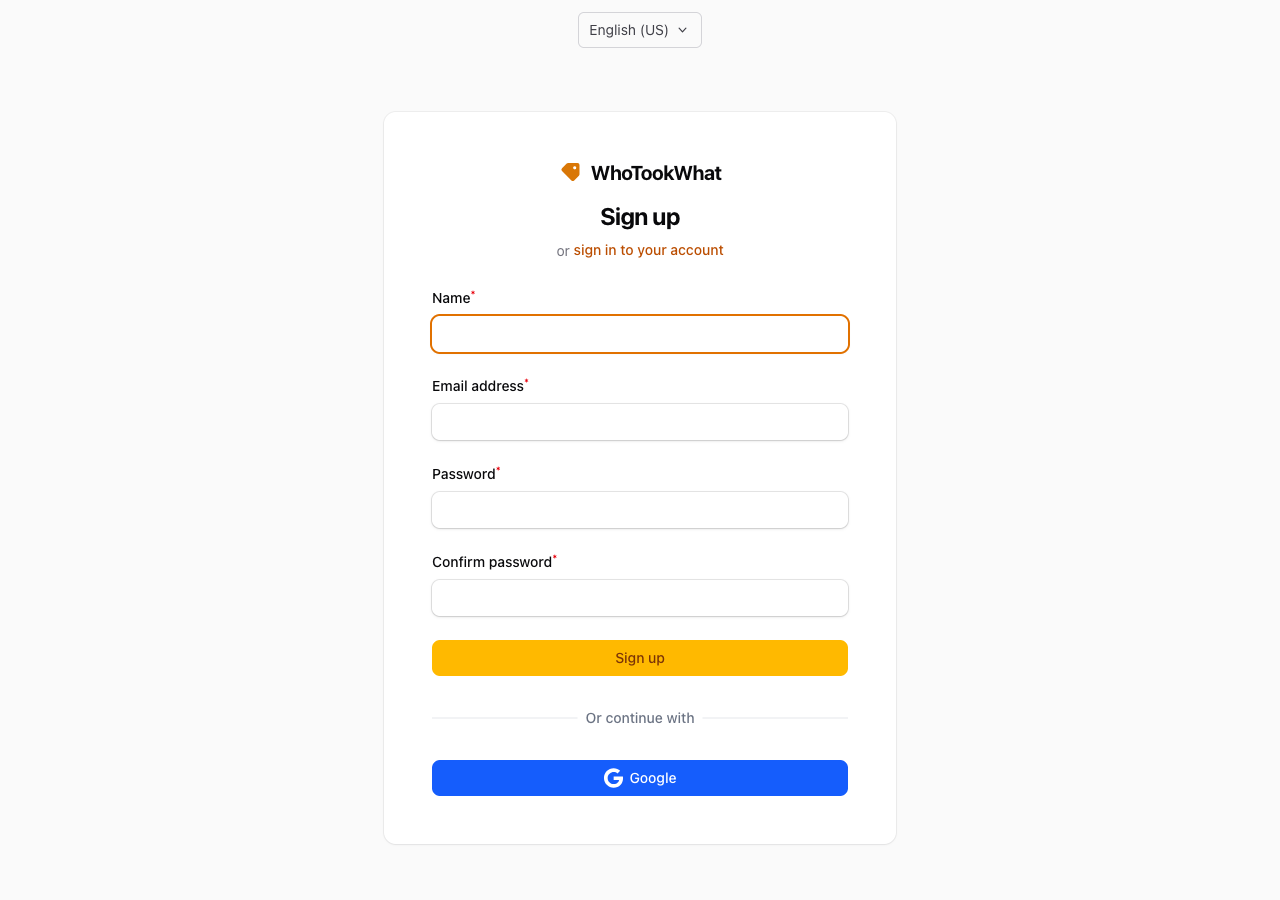
Create an account from Start trial (/admin/register), in the mobile app (name, email, password), or sign in at /admin/login.
Email and password
You need a unique email. Use Forgot password on the login page, or request a reset from the mobile app. The link is sent to that email and opens the app or the website to choose a new password.
Social sign-in
Google, Microsoft, and Apple are on the sign-in page. A verified social email that already matches an account is linked. An unverified social email cannot sign in or be connected from Profile.
Connecting a provider from Profile is different. If that login already belongs to another account, WhoTookWhat does not move that login. You see a warning and the attempt is rejected.
- Mobile app: Continue with Google, Microsoft, or Apple on a development or production build (not Expo Go). If the account has not accepted the Terms of Service, the app opens Accept terms. A new social identity creates an account when the provider email is verified and terms are accepted on that screen. Link a provider to an existing account from the Account screen, or from Profile on the website. The app does not attach a new provider to an existing account by itself.
Terms of Service
New accounts accept the Terms when they register on the web. In the app, if the account has not accepted the Terms of Service, the app opens Accept terms. The mobile API also requires terms_accepted_at. If it is missing, sign-in returns 403 with code: terms_required — accept terms in the app (POST /auth/terms) with the same password or social proof. Register and new social use 422 on terms, then retry with terms: true.
Two-factor authentication
Turn on an authenticator app and optional passkeys from your profile, or from Account in the mobile app. There is no SMS or email code. Recovery codes are shown when you enable the authenticator. Keep them somewhere safe; they are how you get back in if you lose the device.
An Organisation owner can require an authenticator or passkey before members use that Organisation. Passkey-only accounts can sign in on the web, and on the phone with a development or production build.
If you have no authenticator or passkey, you can still sign in on the phone. The Organisation list and tenant routes return mfa_required_for_organisation until you enrol from Account.
Closed accounts
A permanently closed account cannot sign in. On the website that is a hard block. On the API, login returns 401 with the same generic invalid-credentials message as a wrong password (so closed accounts are not distinguished). The same email cannot start another trial.