Assets
The register: tags, status, depreciation, and related records.
Assets is the register. Open Register → Assets.
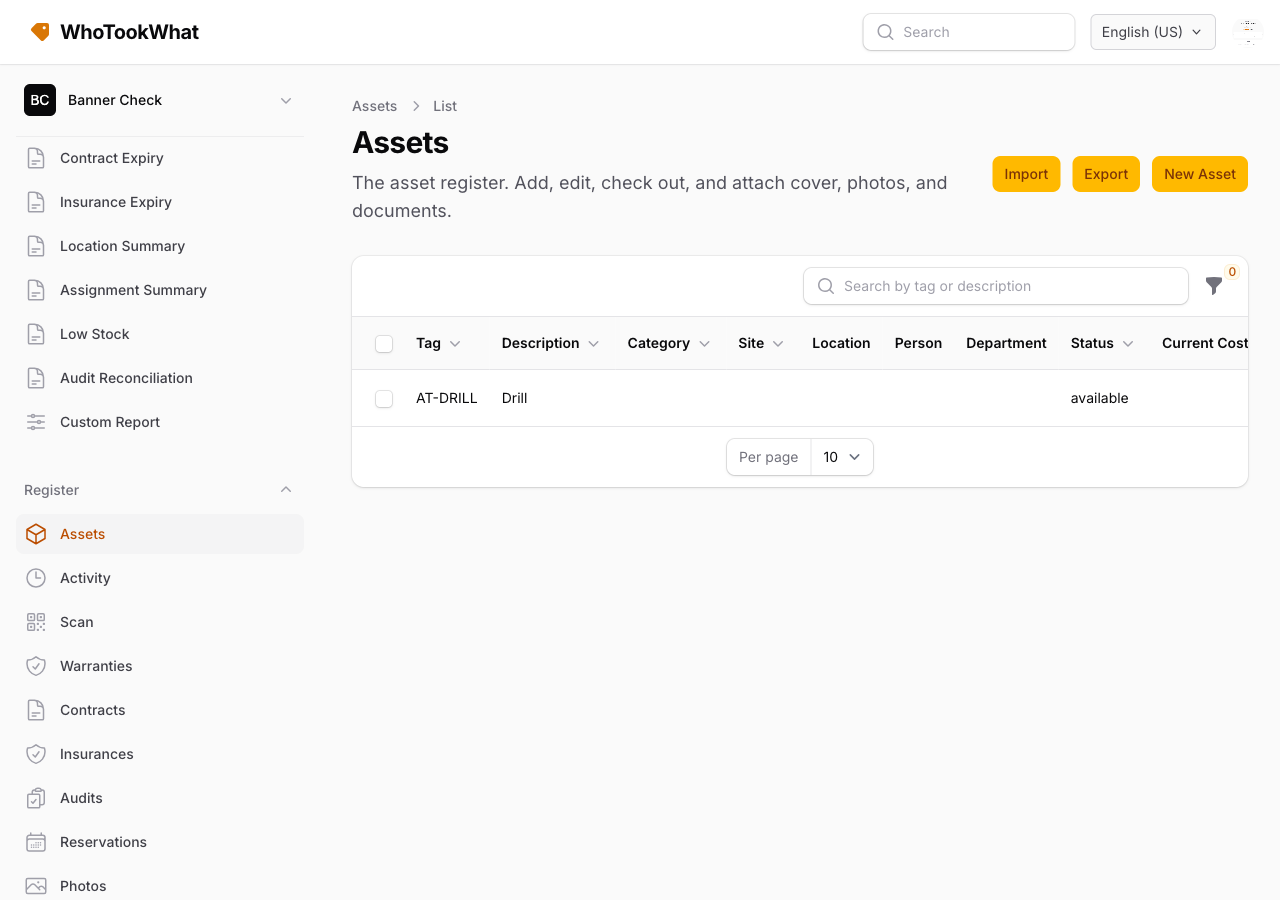
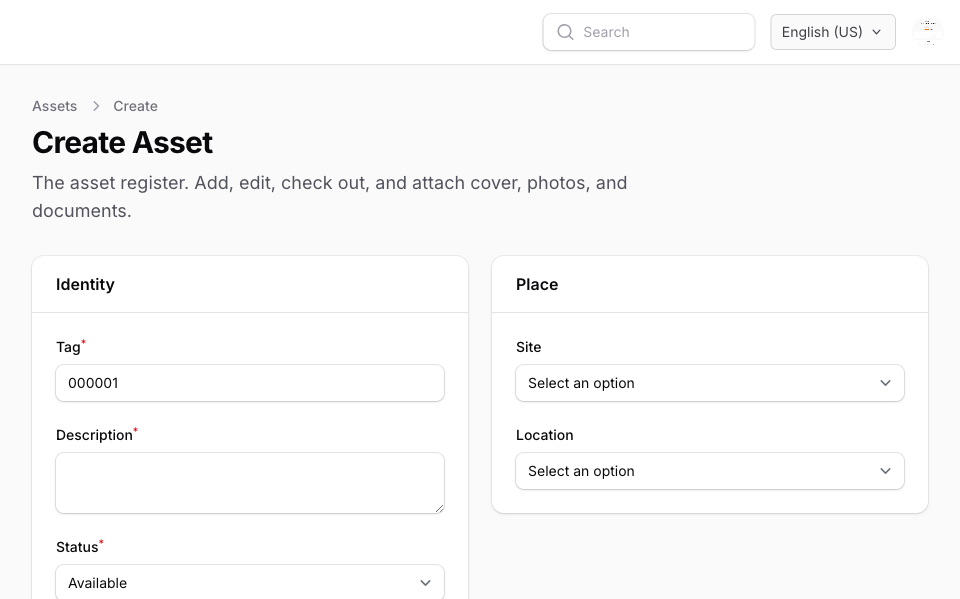
Each asset has a tag (the printed code), a description, and a status: available, checked out, in maintenance, lost, or retired. Example: LAP-014 — MacBook Pro 14, checked out to Priya Shah at Head Office.
What you can store
Standard fields (shown or required via Asset form): serial, brand, model, notes, purchase date and cost, category, site and location, person and department, vendor, customer, fund, and depreciation (method, useful life, salvage, current cost).
Plus custom fields, photos and documents, parent/members, and the current checkout, reservation, maintenance, warranty, contract, and insurance.
Find assets
Filter the table, or use Scan.
Actions on one asset
From the asset you can check out or in, lease, record a lifecycle event, reserve, log maintenance, and attach cover. Print labels if your role includes print.
Staff cannot delete assets unless their role includes delete.