Custom fields
Extra fields on the asset form, optionally per category.
Custom fields add extra columns to assets: text, numbers, dates, or similar types depending on the field you create — for example asset tag colour on laptops.
They are Organisation-wide. You can optionally limit a field to a category. Fields that apply appear on the asset.
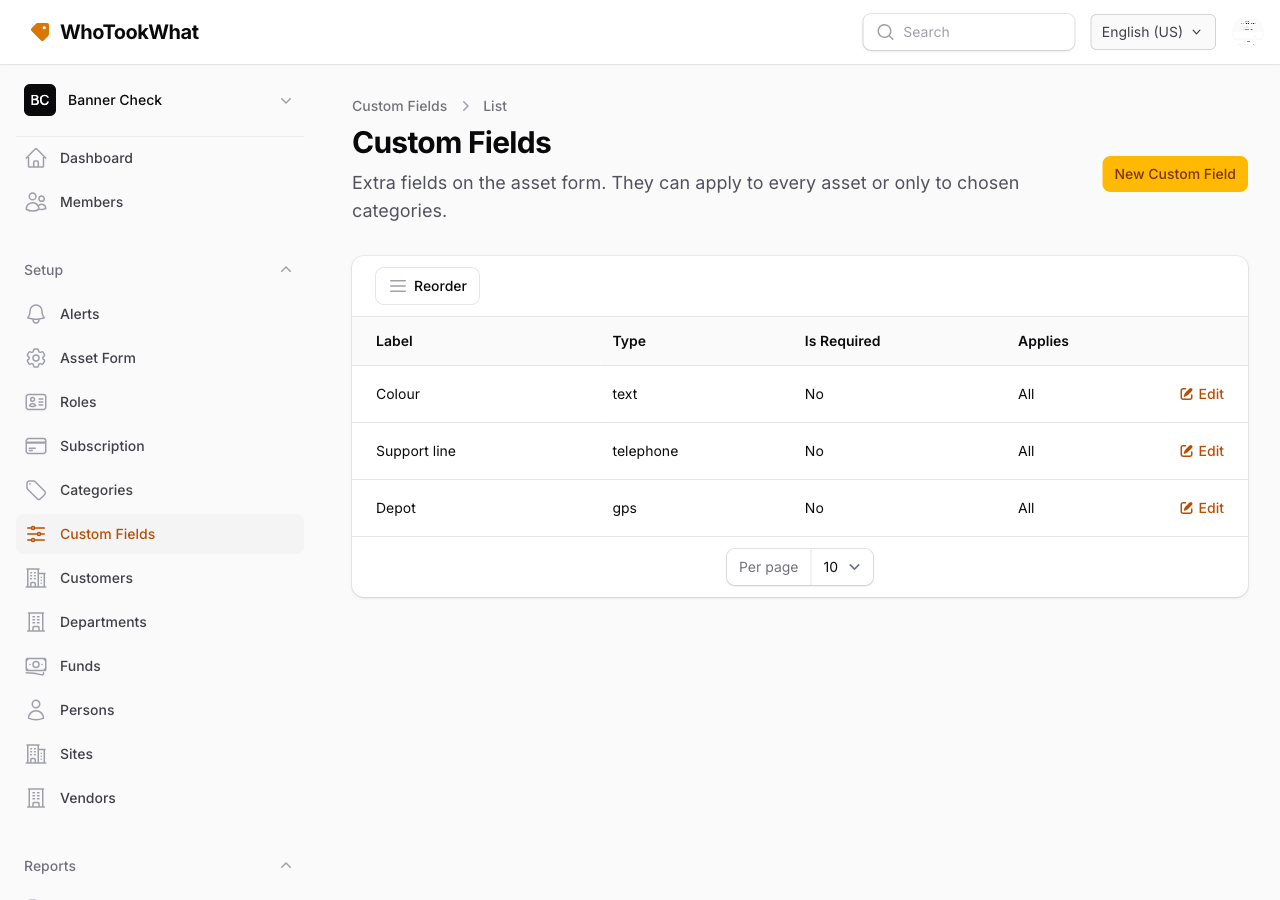
Create them under Setup → Custom Fields. The trial allows 5. On that list, click Reorder, drag the fields, then Done. The new order saves as you drop; it is the order they appear on the asset form.
They are separate from the asset form toggles for standard columns.